
How to turn on the work light
Press the round button on the side of the light.
The Worklight has one switch, a button on its left side. Set the light down, walk up to it and interact with that button. When the button shows green the lamp is on and throwing light; red means it is off.
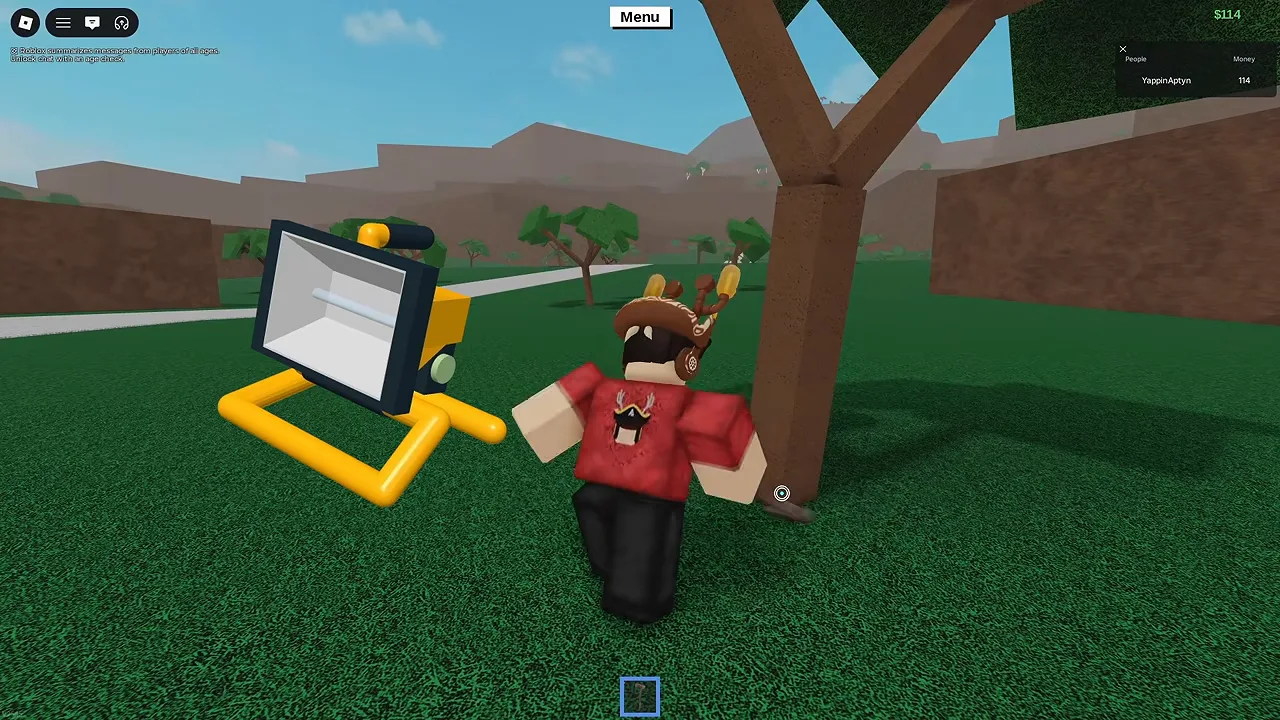
Where to get one
Wood R Us sells the Worklight for $80. It arrives in a box like everything else from the shop; open the box and the light is a loose item you can carry, set down and pick up again.
Where you need it
Anywhere underground or after dark. The places players most often carry one are the Lost Cave, the Lone Cave where Phantom Wood grows, and the Maze. Set it down facing the way you are going, then move it along as you go.
For the Glorbaxe quest the path through the Lost Cave to the Skeleton got a dim red light, but the cave is still dark enough that a Worklight or a brighter screen helps. The first route, before the quest was eased, could not be done without one: see how the quest looked on its first day.
Other ways to see in the dark
- Vehicle headlights
- Press L in a vehicle, or the lights button on mobile. They are enough to drive through Rock Bridge Cave to the Shrine of Sight.
- Screen brightness
- Turning your device’s brightness up is free and works in every cave, though it will not light the path for anyone else.