
Logic and wires in Lumber Tycoon 2
Start with one lever, one wire and one device. Make that connection work before adding a gate or a wood sorter. A lever provides a continuous signal while switched on; a button gives a brief pulse. Choosing the wrong one can make a working circuit look broken.
Wire, Button and Lever are available at Wood R Us. The core gates and timing components are at Link’s Logic in the Tropics, reached by ferry; use the map guide for the region.
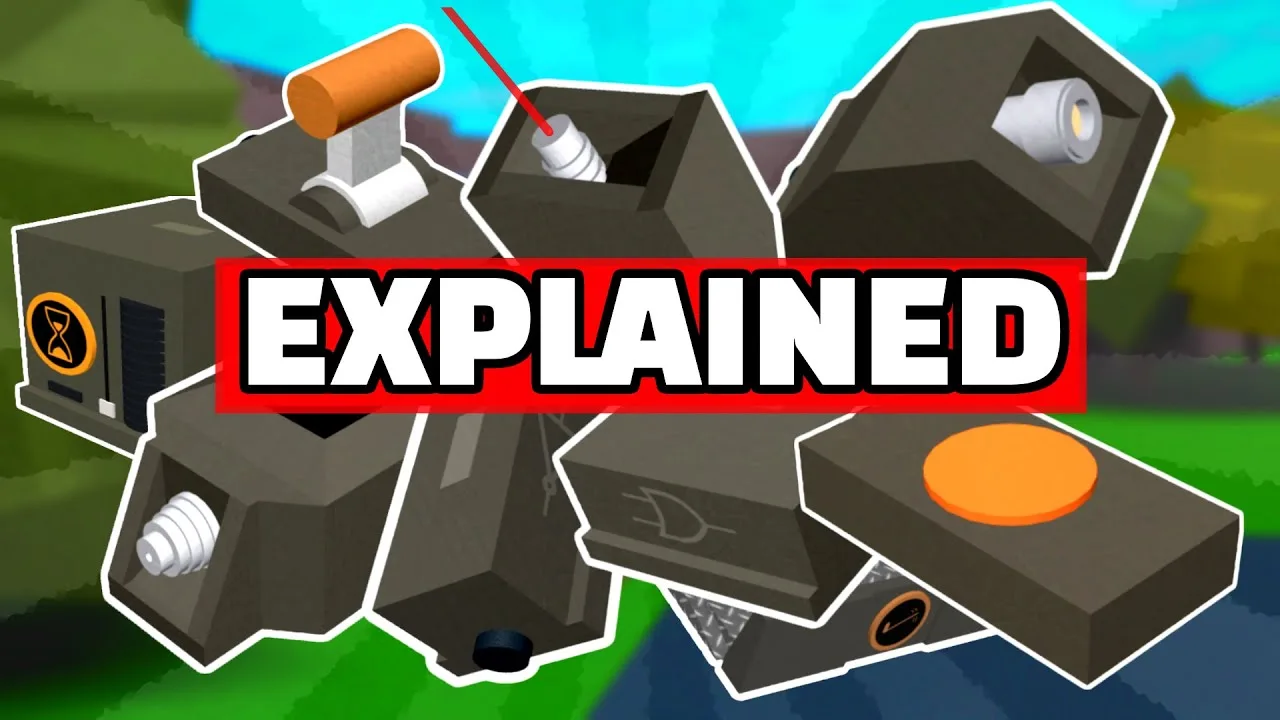
Connect the signal, not just the boxes
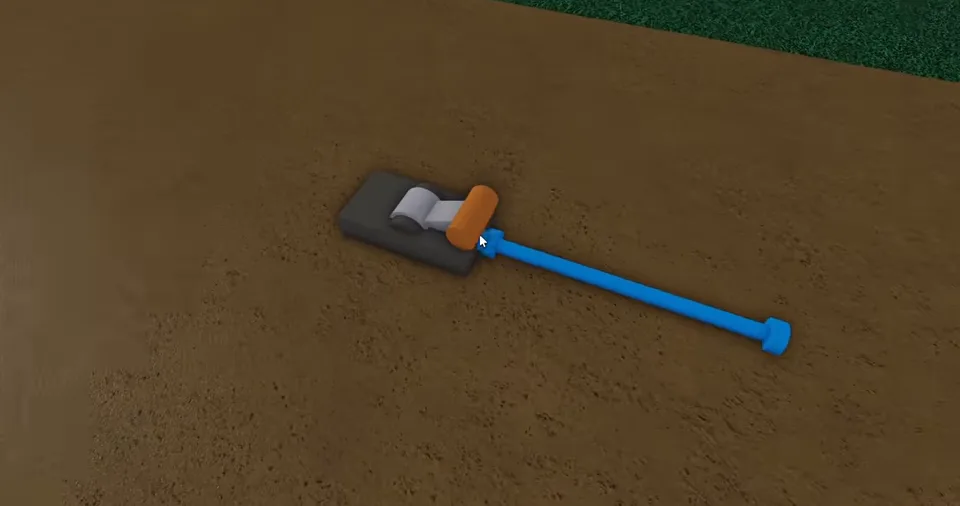
- Place the source and the device you want to operate on your plot. Leave the connection points accessible.
- Move a wire end onto the source’s connection point and the other end onto the target’s input. On components with an arrow, the output is on the side the arrow points towards.
- Turn on the lever and inspect the signal at each connection. Basic wire is dark when off and blue when powered; do not use that colour rule to identify every coloured or neon wire.
- Test the target alone, then add the next component. If the simple circuit works but the larger one does not, work forwards from the first input to find where the signal changes.
A wire carries signals in both directions. Connecting several independent controls to the same wire can therefore tie them together. For separate controls, keep their input lines separate and combine them at a gate.
Try the three gate rules
This is a truth-table demonstration. It models steady on/off signals, not in-game timing or physics.
Output: Off. Both inputs must be on.
| A | B | Output |
|---|---|---|
| Off | Off | Off |
| Off | On | Off |
| On | Off | Off |
| On | On | On |
Button, lever, delay or sustain?
| Component | Signal behaviour | Use it when |
|---|---|---|
| Lever | Stays on until switched off. | A mechanism needs a steady on/off setting. |
| Button | Sends a brief pulse. | A target needs a momentary activation. |
| Signal Delay | Makes the signal arrive later. | The next action should start after the input. |
| Signal Sustain | Starts output immediately, then holds it after input stops. | The input is shorter than the output you need. |
Delay and Sustain are not interchangeable. Extending a pulse is different from waiting before it arrives. Timing can vary with server conditions, so test the whole mechanism before adding more channels.
Why does everything turn on together?
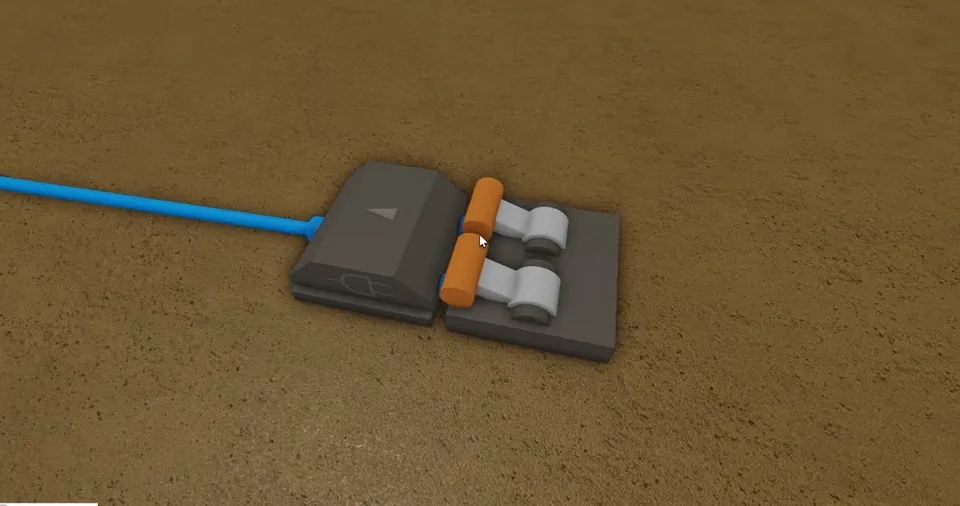
Directly joining input lines can let one control power the others. An OR gate combines separate inputs into one output and helps prevent reverse signal flow through the gate. AND needs both inputs; XOR needs exactly one. If you are wiring a display, one common wire across multiple segments will power the connected segments together; keep independent segment feeds separate.
Wires not working: a smaller test first
- No signal reaches the wire
- Check that the source is on and the wire end is at the source output. A button pulse can disappear before you inspect it; test steady behaviour with a lever.
- Wire is powered, but the target does nothing
- Check the target input and any gate arrow. Try the device’s manual control to separate a device problem from a wiring problem.
- It worked before reloading the base
- Players report wires shifting after a reload. Inspect both ends and reposition the affected wire before rebuilding the whole machine. Save after a successful small test.
- A conveyor keeps switching
- Disconnect extra inputs and test one control at a time. Check for a feedback loop or an unintentionally repeating input; replacing parts without isolating the signal can hide the same problem.
Return to the sawmill loader guide for the physical conveyor layout. New players should get the basic earning setup working first. Keep a saved slot before expanding a complicated circuit.