
How to buy land in Lumber Tycoon 2
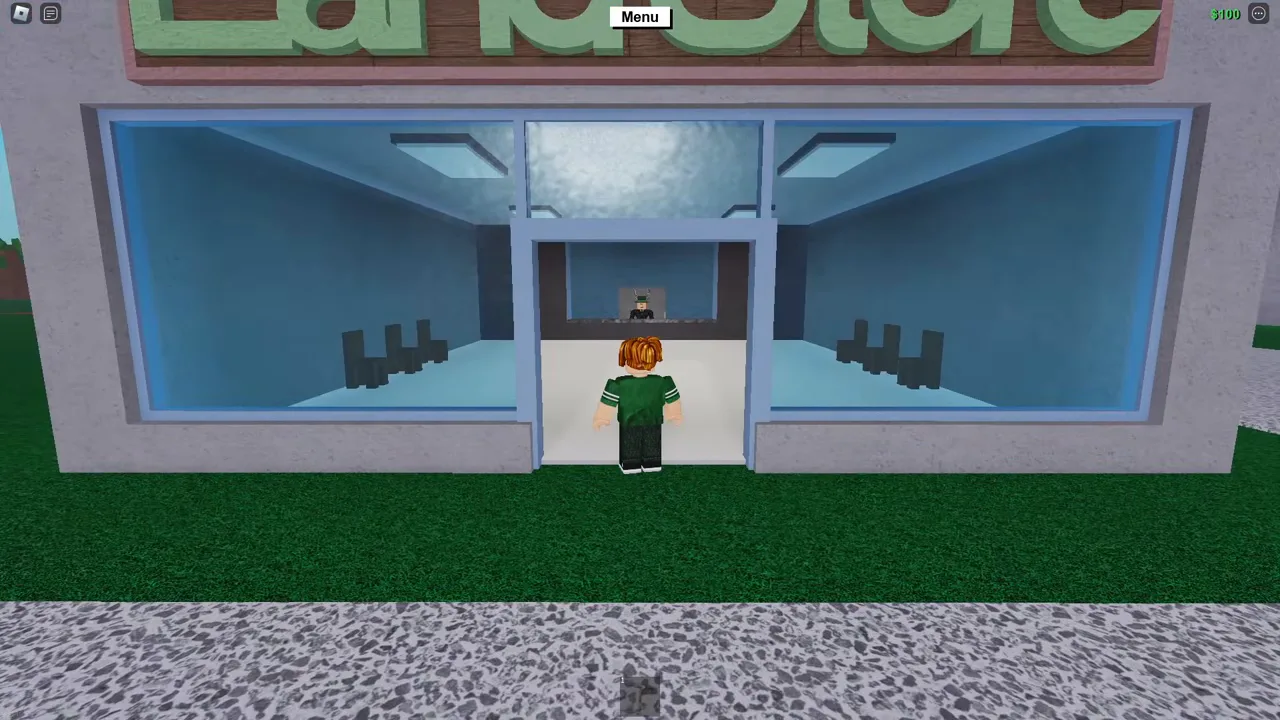
Your first plot costs $100 at the Land Store, next to Wood R Us.
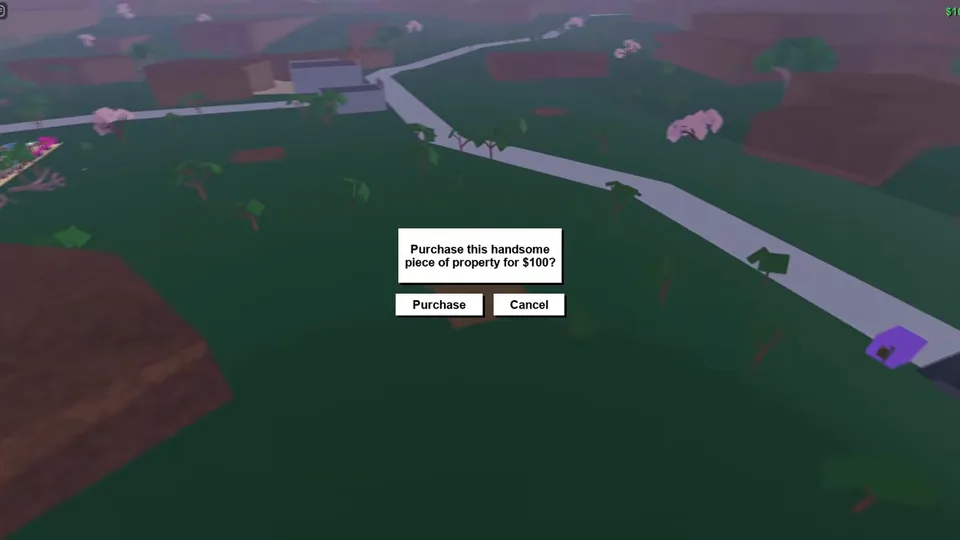
Walk into the Land Store and talk to the man behind the counter. The camera swings out over the nine plots in the Main Biome; use the arrows to pick one and buy it. A sign goes up on it, and everything you build, and your truck, lives there.
Claiming your plot, step by step
- Go into the Land Store in the Main Biome, beside Wood R Us.
- Talk to the man behind the glass and ask to buy land.
- Pick a free plot with the arrows at the bottom of the screen.
- Confirm the purchase. A cutscene shows the empty plot with a sign on it.
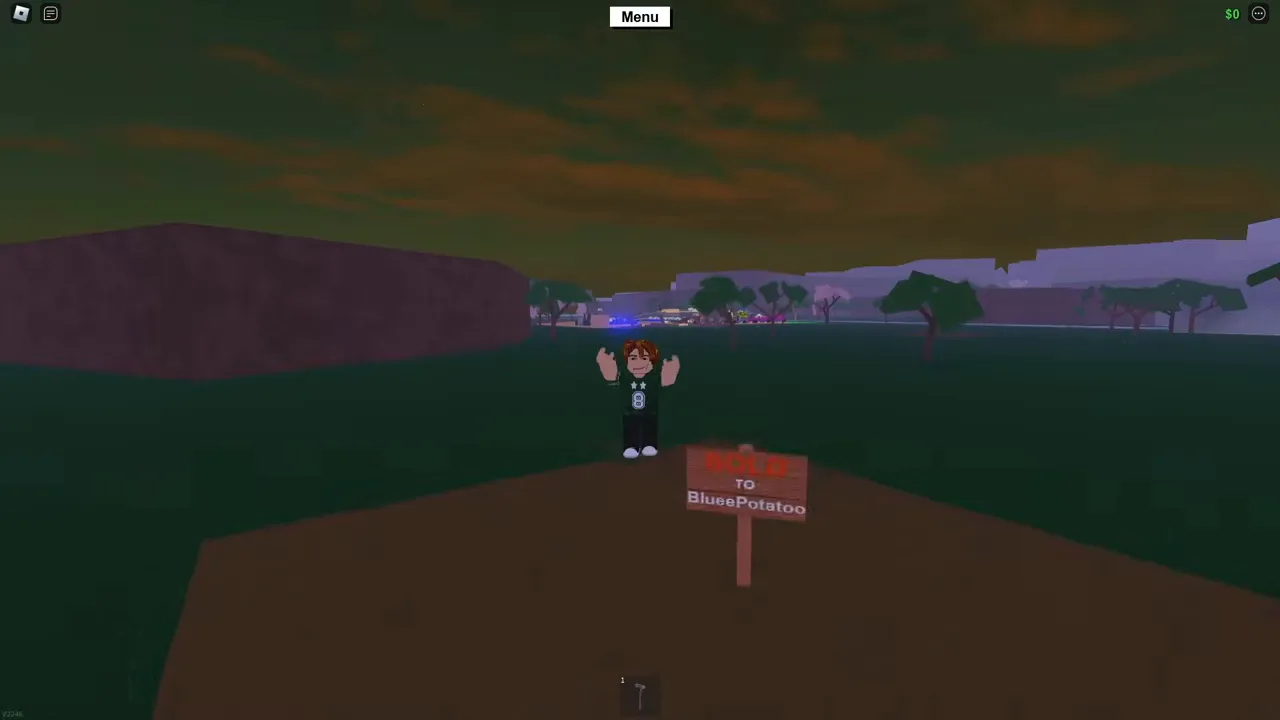
The sign that comes with your first plot is made of wood: you can sell it at the drop-off like any other. If you already own land in a save, loading that save asks you to choose one of the nine plots to put it on.
What expanding costs
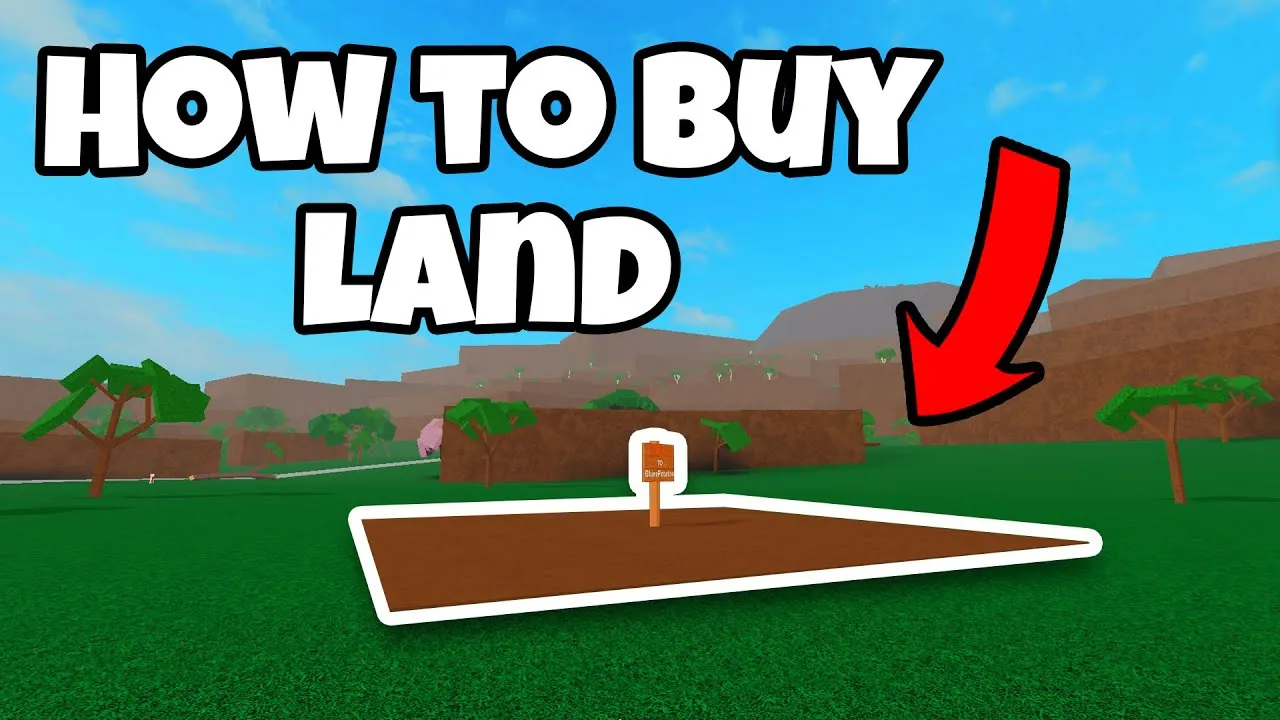
Each plot is 40 studs across. Every expansion costs $3,000 more than the one before, up to 25 plots in a 5 by 5 square.
| Plots owned | That plot costs | Total spent |
|---|---|---|
| 1 | $100 | $100 |
| 2 | $3,000 | $3,100 |
| 5 | $12,000 | $30,100 |
| 9 | $24,000 | $108,100 |
| 16 | $45,000 | $360,100 |
| 25 | $72,000 | $900,100 |
Full land, all 25 plots, costs $900,100 in all. Most of that is the last few expansions, so build up what you earn first: a sawmill and a bigger truck pay for the land that follows.
Letting a friend build on your land
Open the Menu, then Settings. Under Player Permissions pick your friend from the list on the left and tick what they may do. The list runs from visiting and placing or moving structures to driving your vehicles, grabbing your items, and even saving your items to their own base. Giving someone “All” hands them nearly full control of your base, so tick only what they need.
Keep it
Land and everything on it is kept in your save slots. Save once from the Menu and the game keeps saving that slot as you play; the saving guide covers the rest.